April 9th, 2025
New ✨✨ : Group appointment attendance limits
We’ve just released another enhancement to our Online Bookings 2.0 platform - you can now set maximum attendee limits for Group appointments!
What's New?
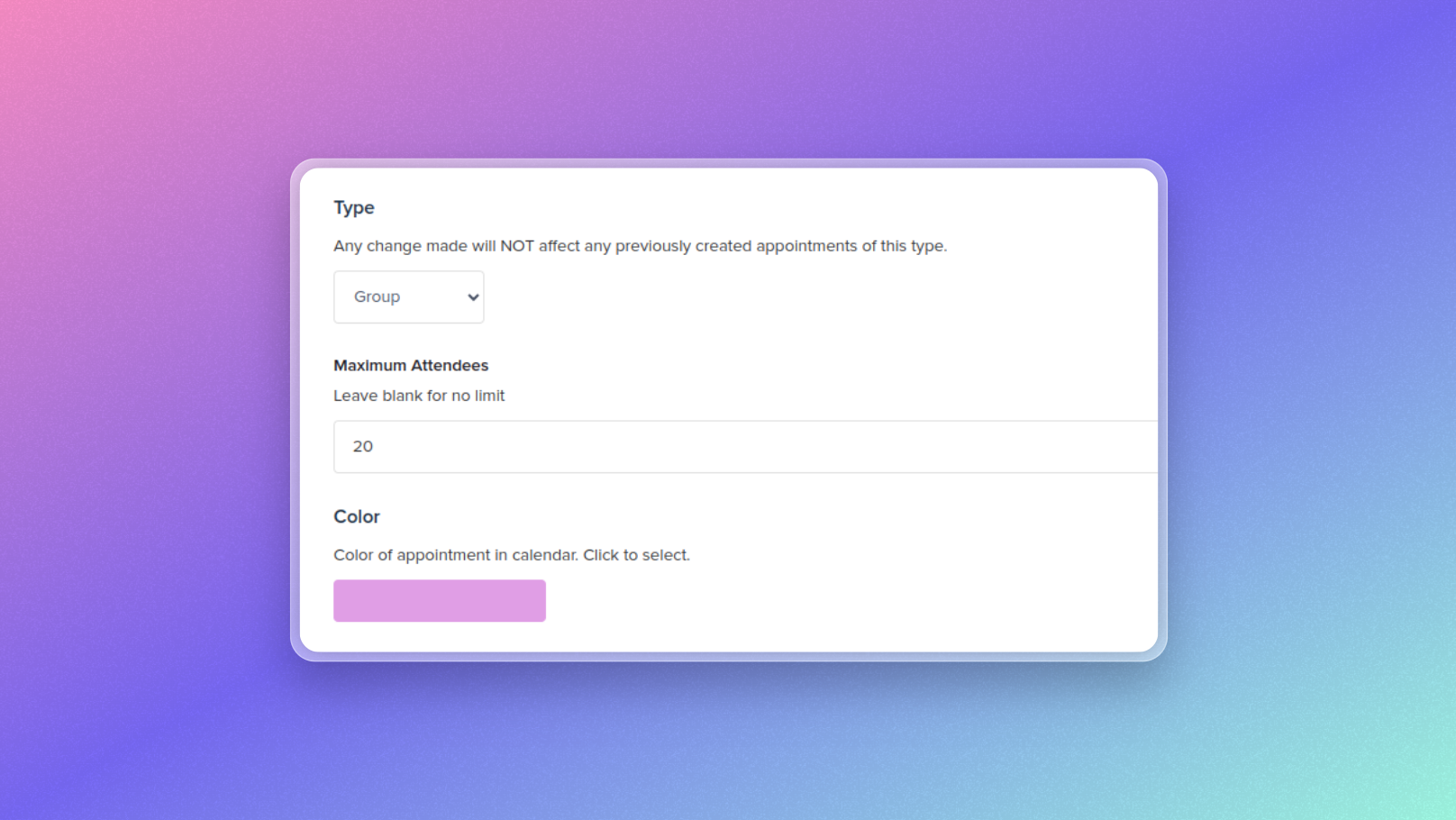
You can now specify the maximum number of attendees allowed for Group appointment types. This gives you better control over your group sessions and helps manage capacity efficiently.
How It Works:
Navigate to your appointment type settings
Select "Group" as the appointment type
Enter your desired maximum number in the "Maximum Attendees" field (leave blank for no limit)
Choose a color for the appointment to display in your calendar
Important Notes:
This feature is only available for Online Bookings 2.0 users as we continue to phase out Online Bookings 1.0
Group appointment settings are fully customizable through the appointment type interface
Need help getting started? Our Customer Success team is ready to assist via the chat beacon or email at help@practicehub.io.