January 15th, 2026
🚀 IMPROVED : Overhauled account settings and powerful security improvements
Your account security just got a major upgrade. We've rebuilt the account settings experience on our new platform with comprehensive security features to protect your practice.
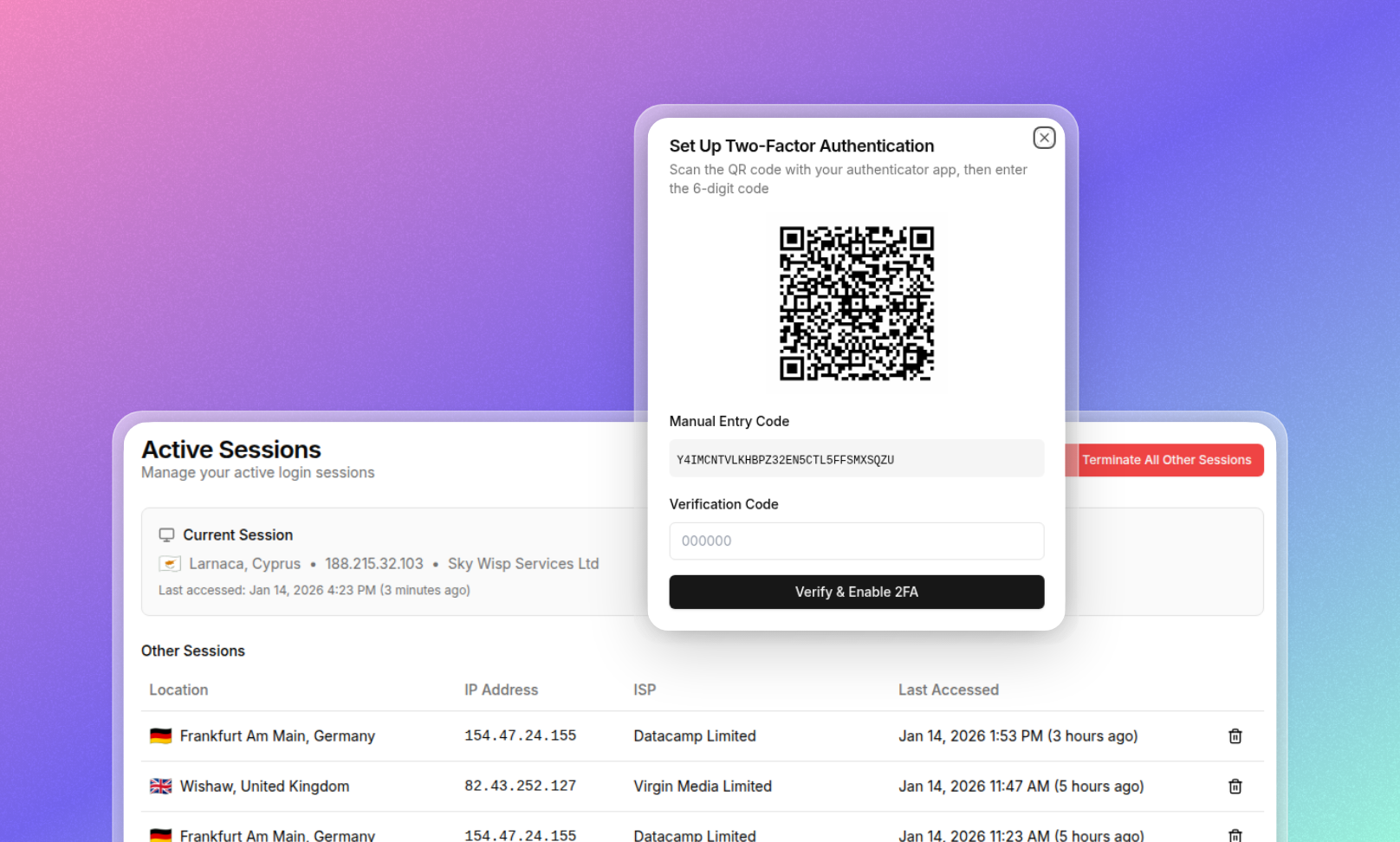
Two-factor authentication now supports QR code scanning. Set up 2FA instantly by scanning a QR code with your authenticator app. No more manually entering long setup keys—just scan and you're protected.
Security scanning monitors your login activity. Automatic scanning detects unusual login patterns and potential security threats and enforces “Email 2FA” when an alert is triggered. Stay informed about who's accessing your account and from where.
Phone number backup for 2FA ensures you're never locked out. Add your mobile number as a backup authentication method. If you lose access to your authenticator app, or you have an email 2FA triggered due to the above, receive a verification code via SMS to login to your account.
View all active sessions with location details. See every device logged into your account, including the country and ISP for each session. Spot unfamiliar activity instantly and revoke access to any session you don't recognise.
Comprehensive security audit reports. Generate detailed reports of all user login activity across your practice. Perfect for compliance requirements, security reviews, or investigating suspicious activity.
Now available as part of our ongoing project of re-building PracticeHub onto our new platform. These security features are part of our modernised account settings, rebuilt from the ground up for a faster, more intuitive and secure experience.
Head to Settings > Account to explore your new user account settings, and Reports → User Audit Logs for login activity reporting.
Contact us via the beacon in the bottom right corner or via help@practicehub.io if you have any questions!